Quick start
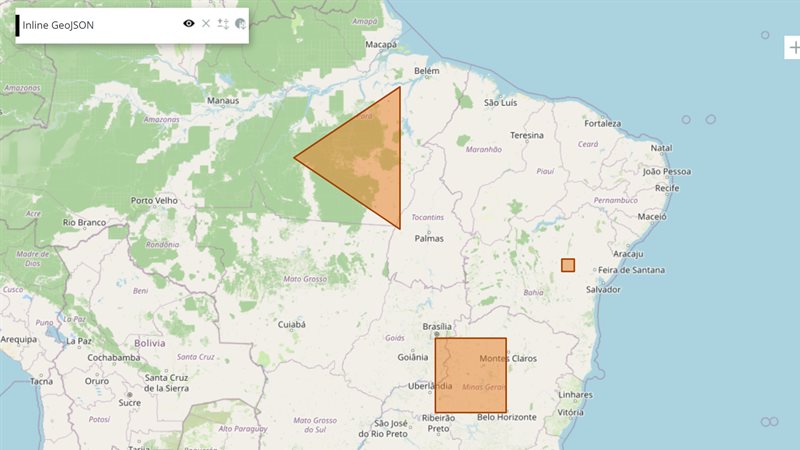
The example below, running in the Mappia calculator - click it to run it live. Full-size picture
- Run it
Click the picture: the map opens right here and runs the example. Nothing is saved, and nothing to install.
- Try it
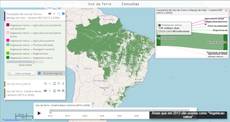
- Click Woodland (above 50 t/ha): after the countdown, only the woodland is green and the legend reads Woodland.
- Click Open savanna (below 10 t/ha) to go back to the open savanna.
- Make it yours
Copy the query, change it - the key parameters are below - and run it again in the playground, or paste it into the Mappia editor to save it as your map.
Key parameters
| Parameter | Example | What it does |
|---|---|---|
id | preset | Required. Names the store: inputs.id['preset'] on the page; inside expression, inputs[0].global (its position among the inputs). |
setValues | setValues({ min: 50, max: 99999 }) | Stores the values and recalculates the layer. Pass true as second argument to store without recalculating. |
setDefaultValues | setDefaultValues({ min: 0, max: 10 }) | Fills only keys that are still empty. Never overwrites, never recalculates: call it in onInputsReady. |
getValue | getValue("title") | Reads a stored value on the page. A stored 0, false or empty text comes back undefined: read .global.key instead. |
forceRecalc | forceRecalc() | Recalculates the layer with the values already stored, for example after several silent setValues calls. |
Every parameter, with its type and default, is in the reference at the end of this page.
Complete example
The query 35 lines · runs as is
// InputManager: a named bag of values that buttons and callbacks fill; setValues() recalculates
// the layer. On the page use getValue(); in expression() read the plain values from .global.
[
  {
    title: "Vegetation biomass presets",
    name: "CSR:bioma_cerrado_biomassa",
    source: "calculate",
    opacity: 0.85,
    visibility: true,
    paramsButtonConfig: [{ type: "query", pressed: true }],
    descriptionHtml:
      "{{inputmanager|id=preset}}" +
      "{{button|id=preset_open|text=Open savanna (below 10 t/ha)|handler=showOpen}}" +
      "{{button|id=preset_wood|text=Woodland (above 50 t/ha)|handler=showWoodland}}",
    functions: {
      showOpen: function () {
        this.getInputs().id["preset"].setValues({ min: 0, max: 10, title: "Open savanna" });
      },
      showWoodland: function () {
        this.getInputs().id["preset"].setValues({ min: 50, max: 99999, title: "Woodland" });
      },
    },
    onInputsReady: function (inputs) {
      inputs.id["preset"].setDefaultValues({ min: 0, max: 10, title: "Open savanna" });
    },
    beforeCalc: function (inputs) {
      var preset = inputs.id["preset"];
      this.setCalculateLegend([{ color: [39, 174, 96], value: 1, title: preset.getValue("title") }]);
    },
    expression: function (layersVals, inputs) {
      var range = inputs[0].global; // inputs[0]: the inputmanager - buttons are not inputs
      return layersVals[0] >= range.min && layersVals[0] <= range.max ? 1 : this.nullValue;
    },
  },
];
Customize it
Read it in each place
- On the page (
beforeCalc,afterCalc,onInputsReady, thefunctions):inputs.id["preset"].getValue("min")orinputs.id["preset"].global.min. In a handler that has noinputs, usethis.getInputs().id["preset"]. - Inside
expression:inputs[0].global.min. The manager arrives as its plainglobalvalues, without methods, at its position among the input widgets. Buttons, checkboxes and labels take no position.
Two buckets: sent and page-only
By default setValues writes to global, which is sent to expression: keep it to numbers, text, arrays and plain objects. Pass true as the third argument to keep a value on the page only. That bucket may hold anything: an Ext component, a DOM element, a function, a timer, a chart you drew.
var store = this.getInputs().id["preset"];
store.setValues({ min: 50, max: 99999, title: "Woodland" }, true); // stored, no recalculation
store.setValues({ button: Ext.getCmp("preset_wood") }, true, true); // page only
store.forceRecalc();                                                  // one recalculation
getValue(key) looks in global first, then in the page-only bucket.
Fill it from anywhere
Any code on the page can write to it: a Button handler, as in the example; a Checkbox handler; a combobox onSelect; a map click callback. This is how widgets that are not inputs still drive a calculation.
Pitfalls
- Inside
expression,inputs.idand the methods do not exist.inputs[0].getValue("min")fails there; readinputs[0].global.min. getValuetreats a stored0,falseor""as missing. Read.global.keywhen the value can be one of those.- Applying the query again rebuilds the widgets, so the store starts empty. Put starting values in
setDefaultValues. - After
setValuesthe layer waits about 2.5 seconds, showing a countdown button, before it recalculates. SetupdateAutomatically: trueon the layer to recalculate right away.