Quick start
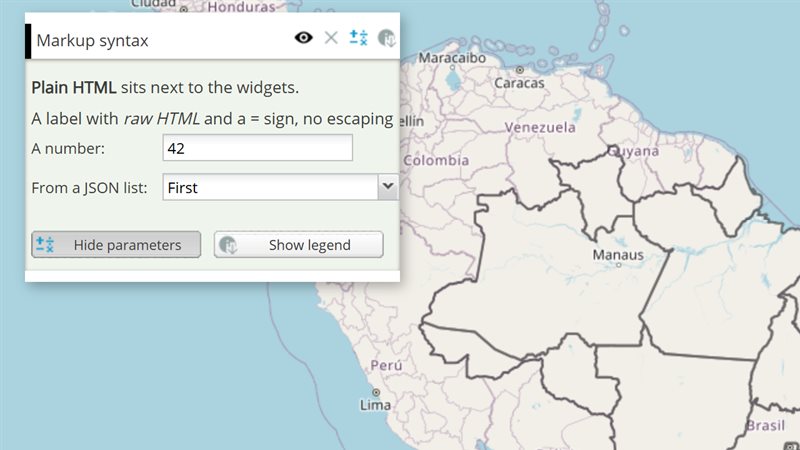
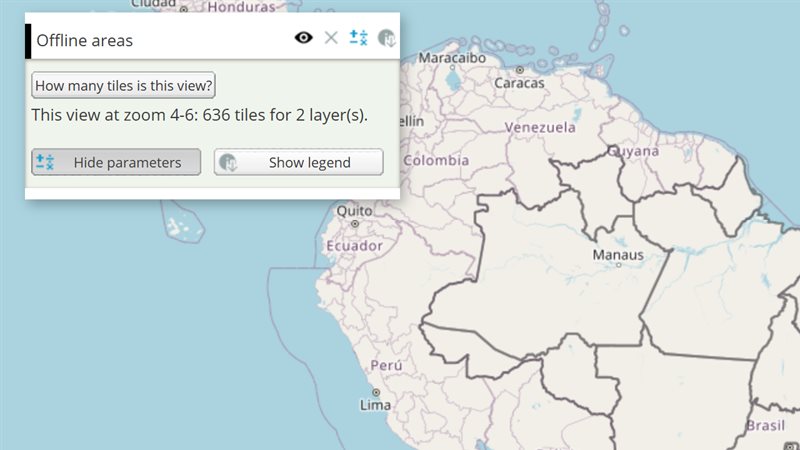
The example below, running in the Mappia calculator - click it to run it live. Full-size picture
- Run it
Click the picture: the map opens right here and runs the example. Nothing is saved, and nothing to install.
- Try it
- Press Choose a region, then pick Northeast in the list: the dialog closes at once.
- Watch the bottom right of the map: a notification says “You picked NE”.
- Make it yours
Copy the query, change it - the key parameters are below - and run it again in the playground, or paste it into the Mappia editor to save it as your map.
Key parameters
| Parameter | Example | What it does |
|---|---|---|
confirmChoice | ExtjsUtils.ALERTIFY.confirmChoice("Which region?", [{ label: "North", value: "N" }, "South"], onPick) | Asks the user to choose. Your function receives (value, index, choice) for the picked option. |
log | ExtjsUtils.ALERTIFY.log("Calculation finished", { delay: 6000 }) | Shows a short notification at the bottom right. It closes by itself after 4 seconds, or delay milliseconds. |
alert | ExtjsUtils.ALERTIFY.alert("<b>No data</b> for the selected year.") | Shows a message with an OK button. Your code keeps running while it is open. |
isEnabled | ExtjsUtils.ALERTIFY.isEnabled() | Tells whether the user still allows notifications. When false, log shows nothing unless you pass { force: true }. |
Every parameter, with its type and default, is in the reference at the end of this page.
Complete example
The query 28 lines · runs as is
// Notifications and choices: log (a passing message), alert (non-blocking) and
// confirmChoice (a choice between labelled options).
[
  {
    title: "States",
    name: "CSR:estados",
    source: "calculate",
    opacity: 0.6,
    visibility: true,
    paramsButtonConfig: [{ type: "query", pressed: true }],
    descriptionHtml: "{{button|id=ask_user|text=Choose a region|handler=askRegion}}",
    functions: {
      askRegion: function () {
        ExtjsUtils.ALERTIFY.confirmChoice(
          "Which region should the map focus on?",
          [
            { label: "North", value: "N" },
            { label: "Northeast", value: "NE" },
            { label: "Southeast", value: "SE" },
          ],
          function (value) {
            ExtjsUtils.ALERTIFY.log("You picked " + value);
          }
        );
      },
    },
  },
];
Customize it
Choices: how many options, which dialog
choices is a list of strings, or of { label, value } objects. The dialog depends on how many you give:
| Choices | What the user sees |
|---|---|
| 1 | No dialog: your function runs at once with that choice. |
| 2 | Two buttons, one per choice. There is no Cancel. |
| 3 or more | A list with OK and Cancel. Picking an option confirms it at once. |
The list starts on the first option, so picking that one does not close the dialog: the user presses OK instead. The fourth argument, config, changes the rest:
ExtjsUtils.ALERTIFY.confirmChoice("Which year?", ["2000", "2010", "2020"], onYear, {
  autoConfirmOnSelect: false,          // wait for OK instead of closing on pick
  okLabel: "Apply",
  cancelLabel: "Not now",              // default: Cancel, in the page language
  onCancel: function () { ExtjsUtils.ALERTIFY.log("Nothing changed"); },
});
Notification options
log(message, config) takes HTML and these options:
| Option | Effect |
|---|---|
delay | Milliseconds before the notification closes. Default 4000. |
force | Show it even if the user turned notifications off. |
onlyMsg | Show the message alone, without the close button and the “stop notifications” box. |
func | Function called when the user clicks the notification. |
spamTime | Milliseconds during which the same text is not shown again. Default 10000. |
Pitfalls
- Only one notification shows at a time. The same text logged again within 10 seconds is dropped.
- Messages logged while the map is still loading wait until it has loaded, and then only the last one stays on screen.
- Users can switch notifications off from the notification itself.
toggle(true)switches them back on for this browser; use it sparingly. alertandconfirmChoiceignore that setting: they always show.